MicroSIP (now CloudVOICE) Quick Setup and User Guides
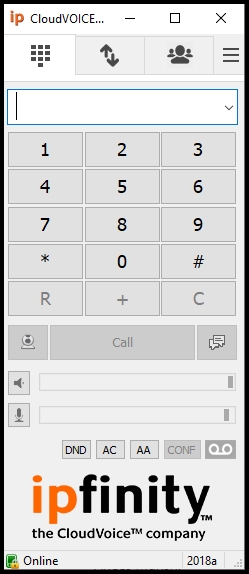
QUICK SETUP GUIDE
- Download the installer for CloudVOICE on Windows from here.
- Run the downloaded executable.
- If a pop up saying “Windows protected your PC”, click on “More Info” then “Run anyway”
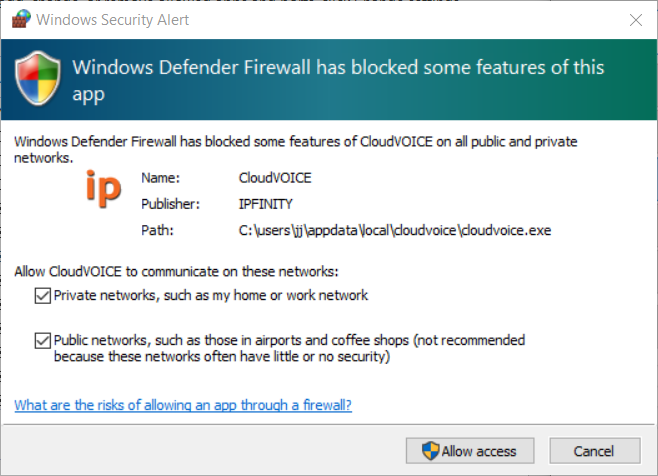
- After installation, open CloudVOICE and grant firewall access to the app.
5. In the login pop up window, enter the credentials sent via email from IPFINITY.
Click on the link below to download the MicroSIP User Guide
Nasif Karim
-
Have more questions?
Submit a request
0 Comments