Tips:
- For best results when using your CloudSoftphone, you should be in a strong signal area. If you are using cellular data for your calls, your phone should be on 4G or LTE and not 3G. Try to have at least 3 bars of signal strength.
- If you are using a WiFi network for calls, make sure that the signal strength is strong and you are located near a WiFi access point. Heavy Internet usage could affect call quality. Keep non-essential data use to a minimum. The heaviest users of data are gaming, video and streaming apps.
- Speakerphone mode tends to pick up more ambient noises which can detract from call quality.
- Use a good quality wired headset if possible; or if using a Bluetooth headset, ensure that the headset is fully charged and the phone is kept nearby.
Audio Settings:
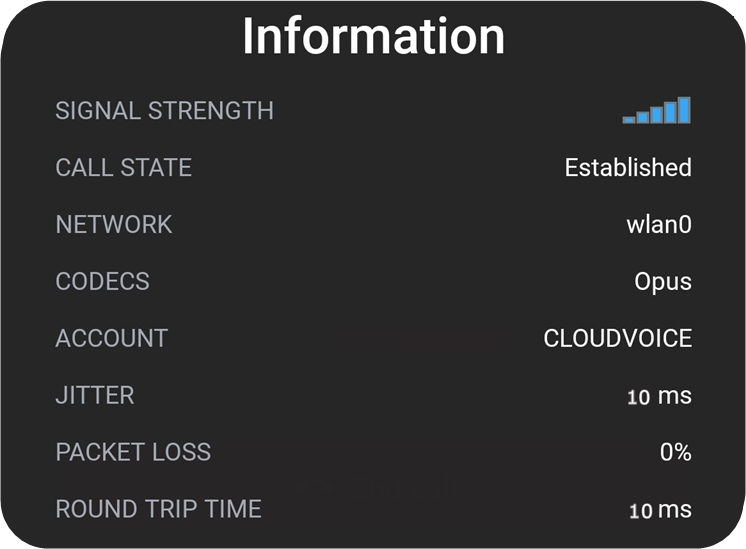
The CloudSoftphone app has several audio settings and an information screen that can help you diagnose and improve sound quality.
- Go to Settings>Preferences>Sounds and enable echo cancellation and noise suppression options if your phone has them.
-
Adjust the playback and microphone boost levels if needed. Only make incremental changes at a time.
The  button on the call screen brings up an information pop-up. The signal strength and packet loss indicators are a good barometer of how well your network is performing.
0 Comments